Mobile
- Tap on the menu icon located on the top left corner of the page.
- The site menu will appear from the left side of your screen. From there, tap on [Region & Language].
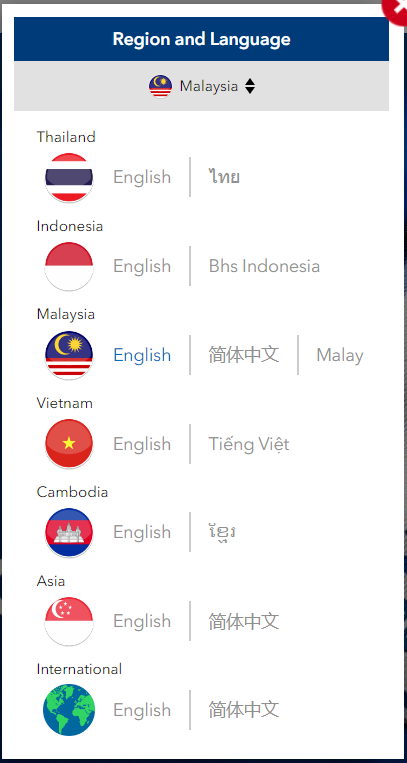
- Select your desired region and language from here.


Desktop
- Click on the flag icon on the top right corner of your screen as shown in the following screenshot:
- You will see a pop-up on the website from which you can choose your desired language and country.